

How Touchline Content works
Touchline Content helps grassroots and non-league football clubs write and run their matchday social media without the usual scramble. Add the fixture once and the posts and graphics are ready before you get to the ground.
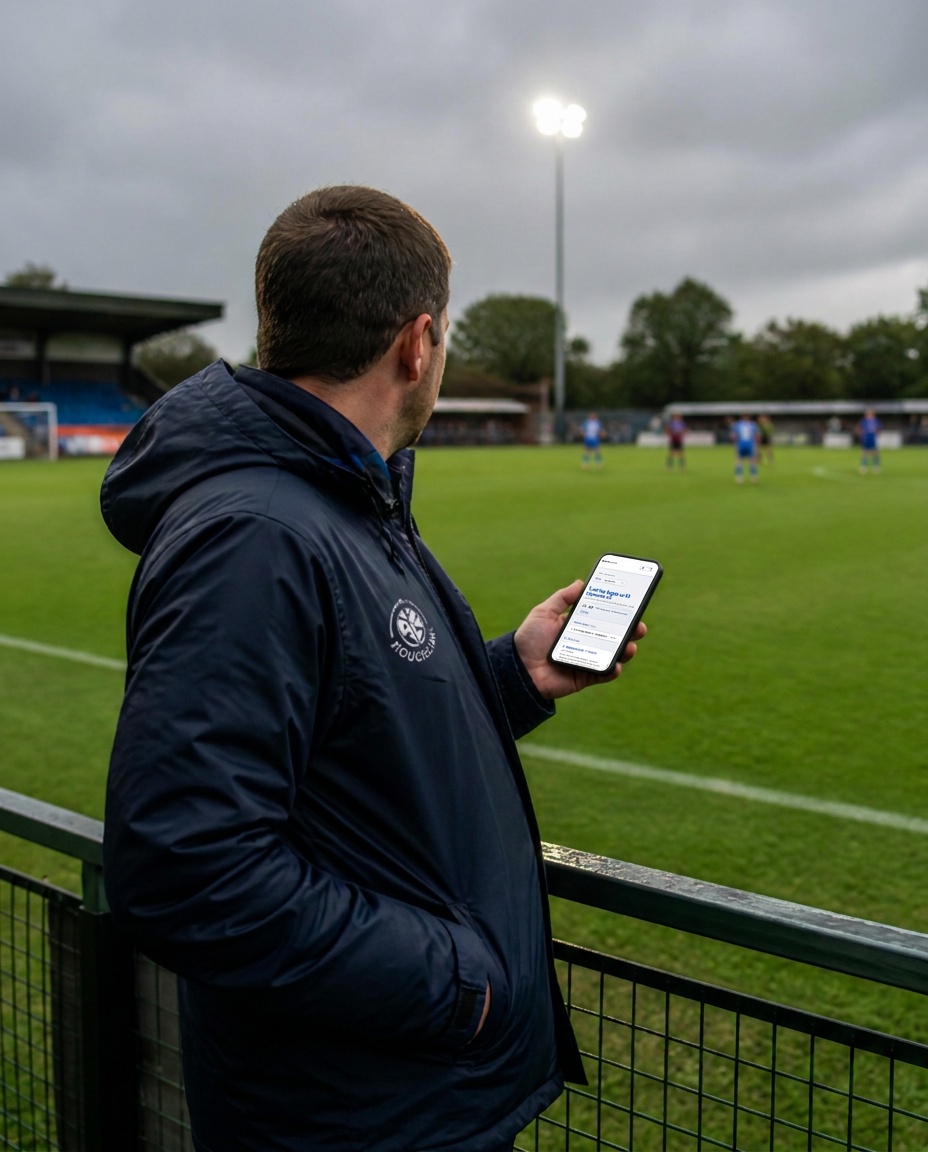
Built for grassroots and non-league football
Club media is usually one job among several, done by someone who is also doing three other things on a Saturday.
Run by volunteers, not a media department
A committee member, the secretary or whoever can spare the time usually runs the club account alongside everything else. Touchline Content was built around that, not adapted from software made for professional clubs.
More than the first team
Reserves, Development, Women's and youth sides can each keep their own ground, competition, kick-off and admission defaults, so a Tuesday night fixture is as quick to cover as Saturday's league game.
Grounds, competitions and admission
Home fixtures carry your ground and admission information automatically, and league and cup competitions — including qualifying rounds — are there when you add the fixture.
The workflow
1. Set up your club
Add your club name and home ground and you're ready to go. Teams, hashtags, tone of voice, graphics, kit colours, template and your badge can all be added later, whenever you need them.
2. Add your fixture
Opposition, competition, date and kick-off. Your usual details are filled in for you, and everything you enter once is reused across the whole matchday — you never retype it.
3. Your Matchday Content Pack is ready
Creating the fixture writes the posts you'll need, grouped into Match Build-Up and Live Match, so no post starts from a blank box. The wording follows the tone you've chosen, every post is editable, and you can regenerate any of it for different wording.
4. Run matchday from your phone
Post your Starting XI, then log kick-off, goals, cards, substitutions, half-time and full-time in Matchday Updates. Big controls, written for the side of the pitch rather than a desk.
5. Graphics alongside your posts
Optional 1080x1080 graphics appear next to the relevant posts, in your kit colours, using your chosen template and, on Template 2, your club badge.
6. Share the workload
Invite others into your Club Workspace so the media job can be shared across a small team or committee, without passing club logins around.
What comes out the other end
Graphics are optional. See every template and example on the Matchday Graphics page.
You stay in control
Touchline Content prepares the content. Nothing goes out without you.
- Touchline Content never posts to your club accounts
- Every post is editable, with a live character counter
- Regenerate any post to see different wording
- Copy or share the post and graphic when you're ready
- You publish it yourself, from your own accounts
Ready for your next matchday?
Set your club up and create your first fixture. It's free.